Check your work for originality in seconds

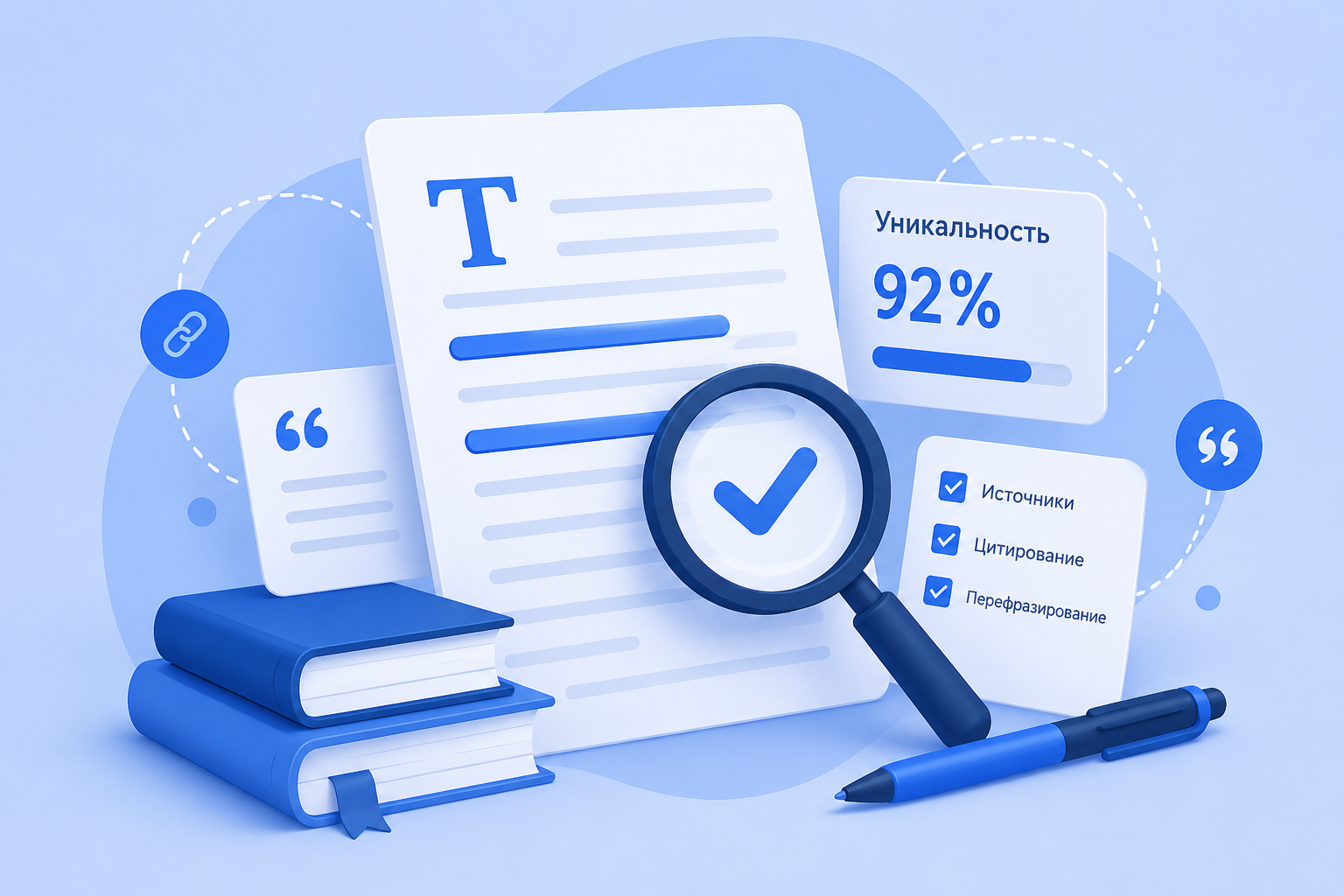
Upload your thesis, coursework, or article — and get a report with originality percentage. Fast, convenient, and with no limits to start.
  • Result in30 seconds
  • 13 000+ clients
  • Data security
  • 37 universities

Choose the right plan

Professional document originality check with full functionality

Blog

Videos, articles, and useful materials

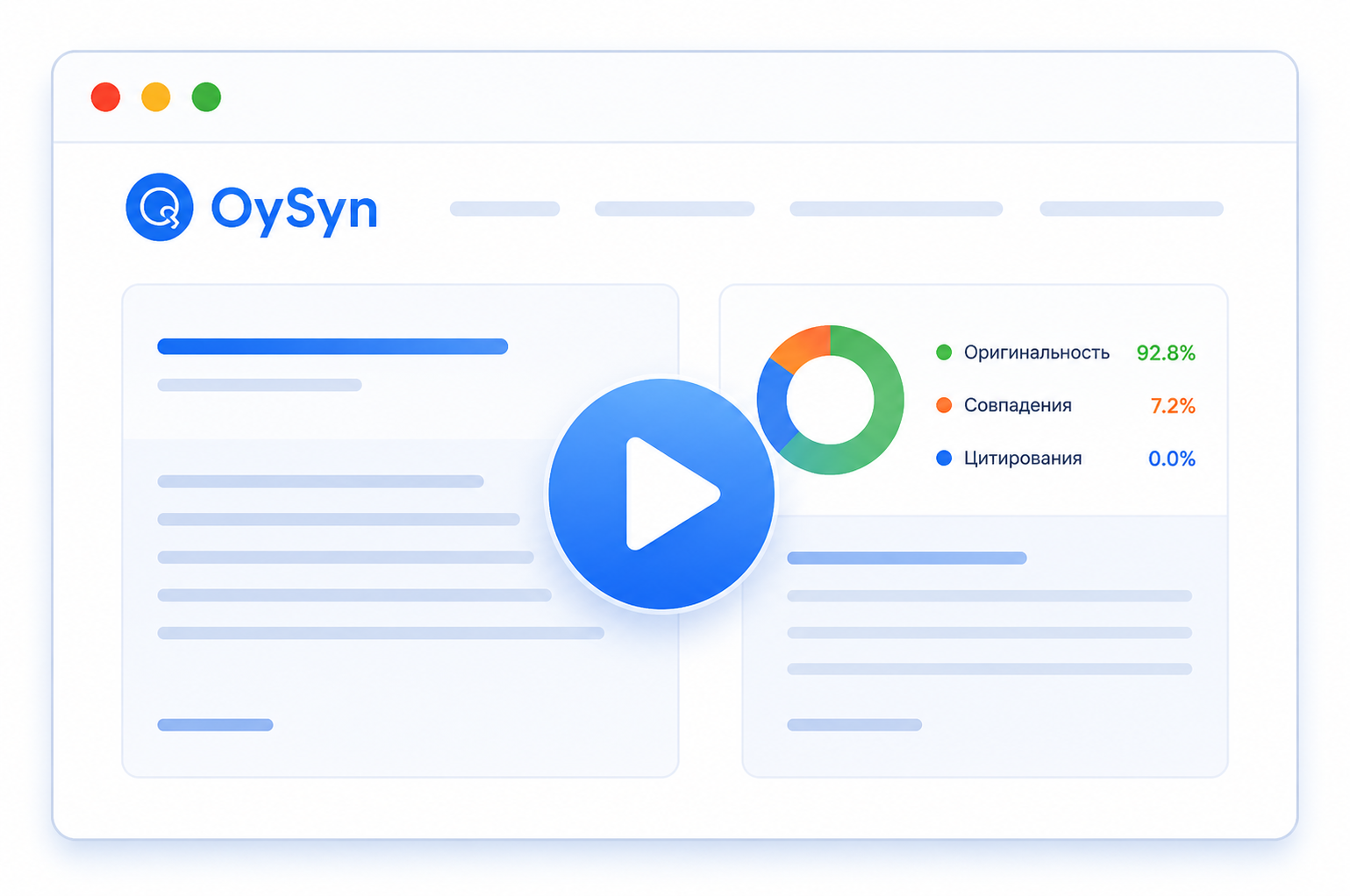
How to check a document in 30 seconds

A short video explaining how to upload a document and get an originality report

Watch video
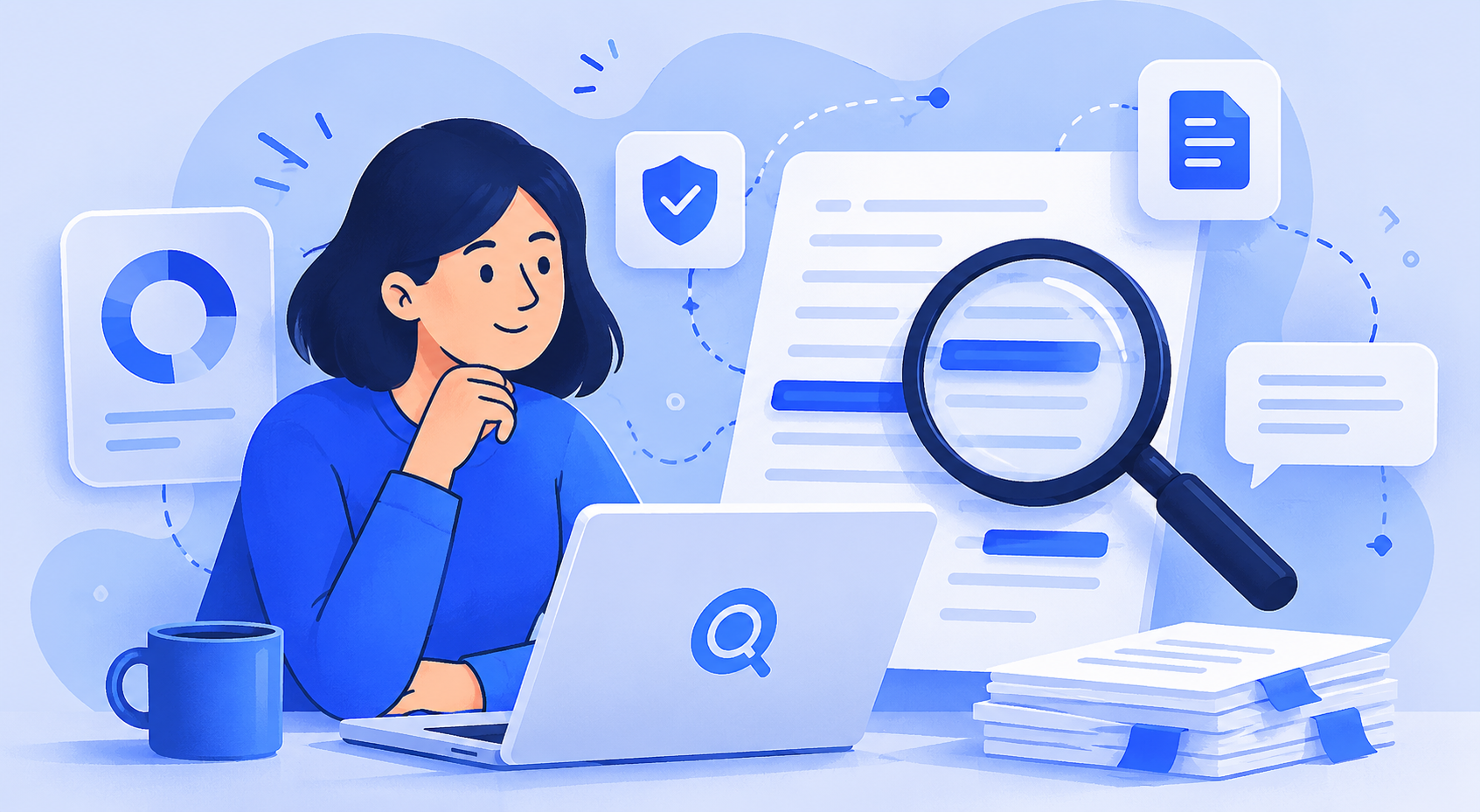
Tips to increase text originality

Exploring ways to make your work more original

Learn more

How our plagiarism detection system works

Detailed explanation of algorithms that detect text matches

Learn more
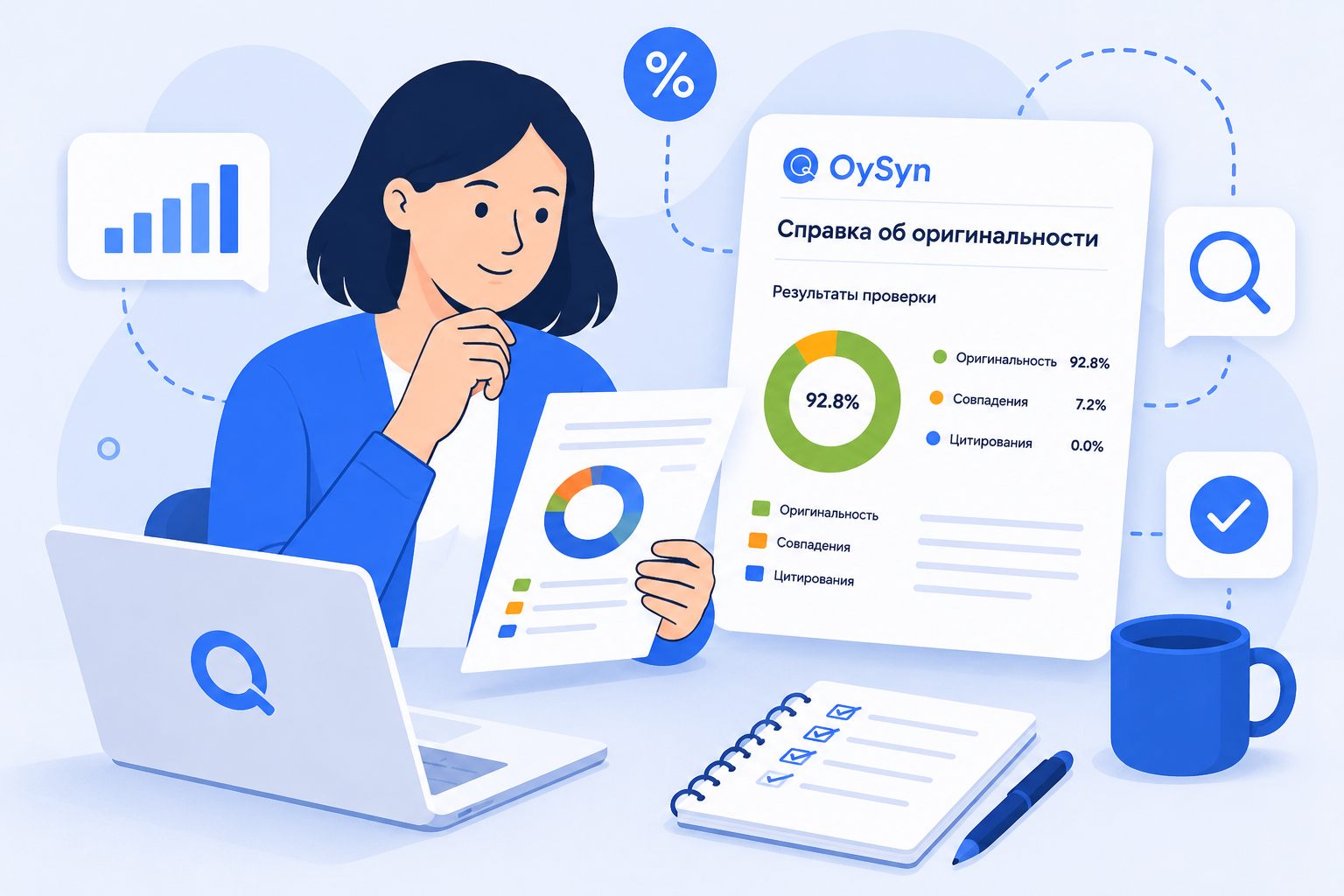
Guide: how to interpret the report

Understanding percentages: originality, citations, and what they mean

Learn more

Frequently Asked questions

We’ve collected answers to popular user questions

How do you check text originality?
We use advanced algorithms to compare your text against more than 100 million documents in our database. The system analyzes both exact matches and paraphrased fragments, using machine learning and NLP technologies for the most accurate detection of borrowings.
Can the report be used at a university?
Yes, the report includes key metrics and sources. It is accepted by most universities and journals, but requirements may vary — if needed, we can add additional data upon request from the faculty or editorial board.

Are there any limitations for checks?
There are no limits on the number of modules. The one-time file size limit is up to 50 MB or 500 pages. Large works can be split into parts — the result will be equivalent.
What document formats are supported?
DOCX, PDF, RTF, ODT, TXT. When uploading an image, we automatically recognize text (OCR).
Does document checking work around the clock or only during certain hours?
Document checking in the system is performed around the clock and is available 24/7.
If an individual checks a document through their own account, will it appear as a match when checked by an organization?
No. The document will not appear as a borrowing if the user has not manually added the work to the system index/database. After manual addition, the document may participate in future checks.
Where can uploaded works be viewed?
All previously uploaded documents are available in the “Check history” section.
Can a work be accepted with these check results?
The decision to accept or reject the work is made by the reviewing expert or organization according to their internal requirements and checking rules.
Does the document type affect the check result?
Yes. An organization can set different originality thresholds and check parameters for different document types.

Still have questions?

Our support team works 24/7 and is ready to help with any questions about originality checks.